Now with Enviz AI
Create your Enviz Space
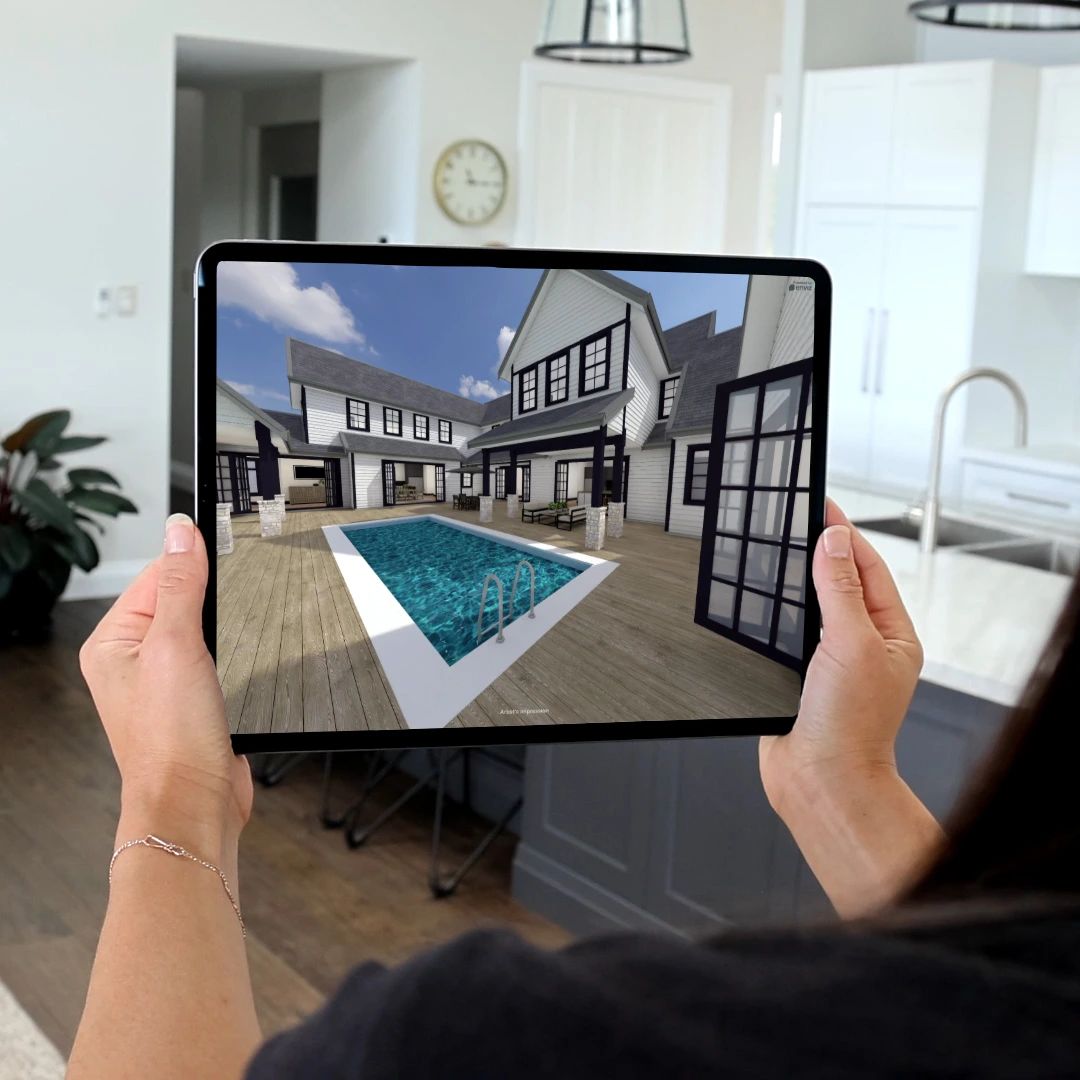
Transform your 3D model into an immersive Enviz Space. Fast, accurate, and device-ready.
Start with a free preview, delivered in under 1 hour.
Free preview
Enviz AI included
Ready in under 1 hour*
Before creating your preview, ensure your model:
Has open/removed internal doors Required for proper navigation
Uses supported file types
skp, .max, .rvt, or .zip
skp, .max, .rvt, or .zip
Meets the technical guidelines (found below)
Your files are being submitted, please wait to be redirected
*By submitting this form you agree to receive order updates and marketing communications from Enviz.
FAQs
What file formats are supported?
How long does the preview take?
What's included in the free Preview?
When should I upgrade to a full Enviz Space?
Is the preview really free?
What should I check in my preview?
Can I generate AI images from my preview?
I'm an existing Enviz user. Can I use this page?
What happens after I get my preview?
What’s the difference between preview and a full Enviz Space?
How do I purchase a full Enviz Space?